Apple Vision Pro 2 and visionOS 26: What's Coming to Spatial Computing in 2026
Apple is planning hardware updates for Vision Pro and visionOS 26 adds shared spatial experiences so multiple users can collaborate in the same room. Here's what to expect in 2026.
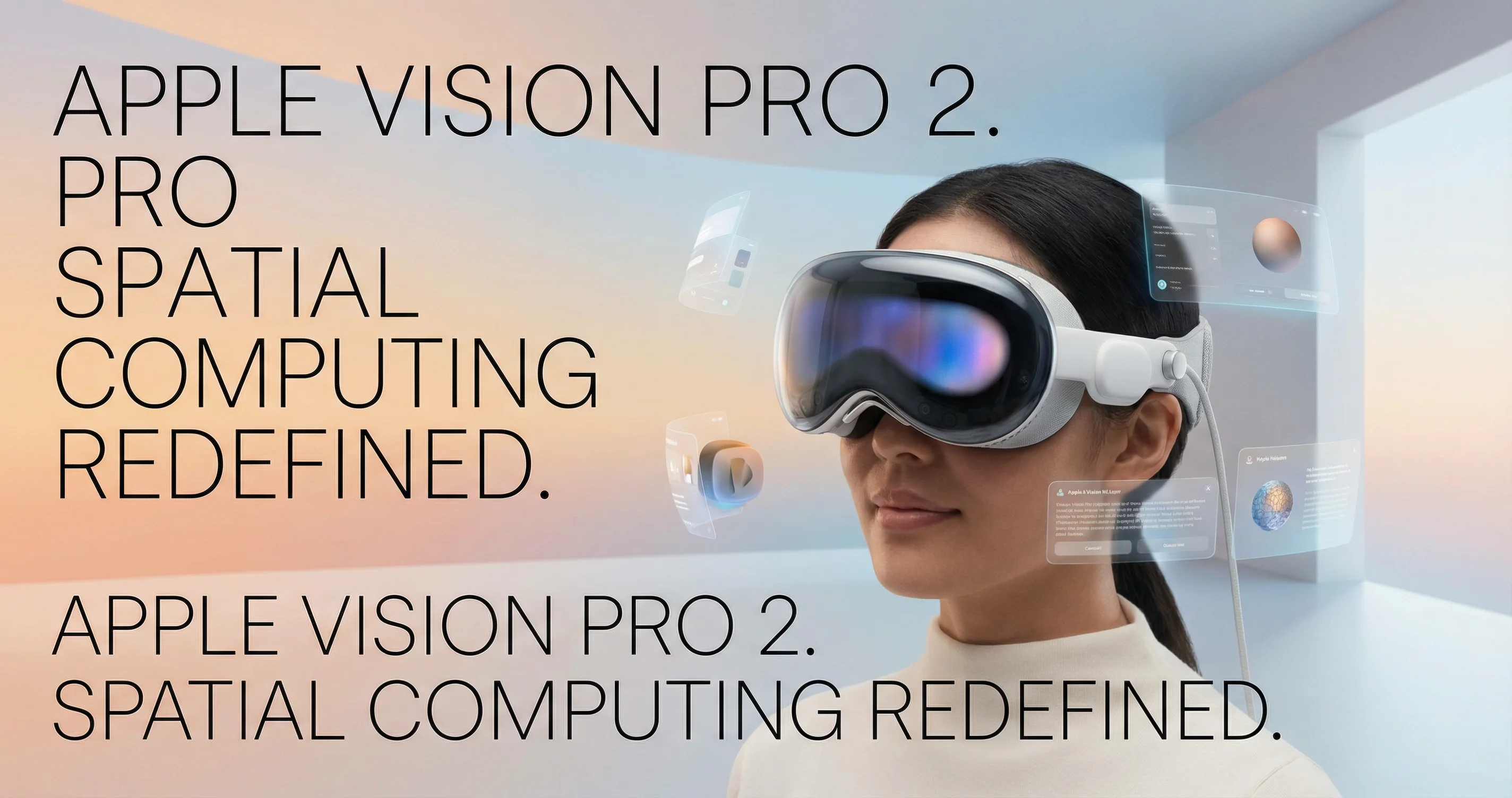
Apple is preparing a visual refresh for the Vision Pro—including a possible new color such as Space Black—and visionOS 26, due in 2026, shifts spatial computing toward collaboration. Multiple Vision Pro users in the same room will be able to share apps, manipulate digital content together, and pass virtual objects to each other as if they were physical. Shared World Anchors will anchor that content to the same physical space so everyone sees and interacts with the same 3D elements in real time. 9to5Mac, Apple's developer site, and programming-helper summaries describe the hardware and software roadmap; the move from single-user to multi-user spatial experiences is the main story.
Background: From Solo to Shared
The first Vision Pro launched in early 2024 as a premium, single-user device. visionOS 2 added refinements; visionOS 26 is billed as the step where spatial computing becomes collaborative. SharePlay already exists for some apps; visionOS 26 extends it with shared environments and world anchors so that co-working, design reviews, and training can happen in a shared virtual space without leaving the room.
visionOS 26: Shared Spatial Experiences
Shared Spatial Experiences let multiple Vision Pro users in the same physical space run the same app, see the same 3D models and UI, and hand off virtual objects. Shared World Anchors (via ARKit) tie that content to real-world positions so it stays aligned for everyone. Existing SharePlay-enabled apps can work with the new behavior without extra code in some cases; Quick Look will support manipulating, scaling, and handing off objects during SharePlay. The result is a common "room" where digital and physical overlap for everyone present.
Hardware: Vision Pro 2
Reports point to a Visual refresh rather than a full redesign: new color options (Space Black has been mentioned), and likely chip and component updates. A true "Vision Pro 2" name and full spec list have not been confirmed; 9to5Mac and supply-chain coverage suggest 2026 as the target window for the next hardware iteration.
Other visionOS 26 Features
Apple has highlighted improved volumetric APIs and 3D layouts, environment occlusion so virtual objects blend with the real world, and better Personas (more detailed, expressive avatars for calls and collaboration). These support both solo and shared use and make spatial apps feel less isolated.
Impact on Use Cases
Collaboration is the obvious win: design studios, remote teams, and training can share one spatial canvas. Education and healthcare could use shared anatomy or procedure simulations. The requirement that everyone has a Vision Pro (and is in the same room for full shared space) limits scale for now, but it sets the direction for future headsets and possibly lighter devices.
What's Next
Watch for an official Vision Pro 2 and visionOS 26 announcement, likely at WWDC or a fall event in 2026. Developer betas will show how third-party apps adopt shared experiences and world anchors. Broader adoption of spatial computing will depend on price, comfort, and whether shared sessions prove sticky for work and play.
Tags
Sources
Related Articles
How to Use Runway AI: Text-to-Video, Image-to-Video, and Gen-3/Gen-4
Step-by-step guide to Runway: create videos from text or images, use motion and camera controls, extend clips, and understand credit usage for Gen-3 and Gen-4.
How to Use Grammarly AI: Proofreading, Paraphrasing, and Generative Help
Guide to Grammarly's AI tools: fix grammar and tone, paraphrase and humanize text, use AI Chat and prompts on desktop and mobile, and get expert-style feedback.
How to Use Notion AI: Summarize, Draft, and Automate With Your Agent
Guide to Notion AI: summarize pages and docs, fix writing, brainstorm, and use the Notion Agent to build databases and analyze PDFs across your workspace.